PS2 Games on PS3 Best Quality with XRGB Framemeister

The place for all discussion on gaming hardware
Post Reply

When playing PS2 games on your PS3, what cable do you use?

HDMI
0
No votes
S-Video
0
No votes
Composite
0
No votes
Component D Terminal/D Link
0
No votes
Component AV
1
100%
 
Total votes: 1

RGBJAPAN8888
Posts: 8
Joined: Tue Aug 15, 2017 2:15 pm

PS2 Games on PS3 Best Quality with XRGB Framemeister

Post by RGBJAPAN8888 »

Hi there,

I hope somebody can give me some advice. I have a Japanese PS3 that can play PS1 and PS2 games with the built-in hardware, sorry I cannot remember the model number.

Well I was hoping to play Grand Turismo 4 in 1080i (I think this option is only available for NTSC versions of the game) and my other PS2 games in better quality than using the PS3’s built in up scaler. However, I cannot seem to get a decent picture.

RGB Cable
---------------
When I use the XRGB Framemeister with the RGB Cable the picture looks really poor when I change the settings to RGB in the PS3 Display Settings menu. I can get a slightly better picture with my PS2.

D Link/D Terminal
-------------------------
I can get a reasonably clear picture in 480i with scanlines on, but I have to select Composite from the PS3 menu. When I select Component, the image is blurry unplayable. I’m sure the D Link cable should be classed as Component, as it says that I should select component from the PS3 menu in the instructions that came with the cable.

HDMI
--------
At the moment I’ve reverted back to HDMI, the picture is probably as most of you know, not that clear, but playable.

Here is some additional information about my setup;

Monitor
------------
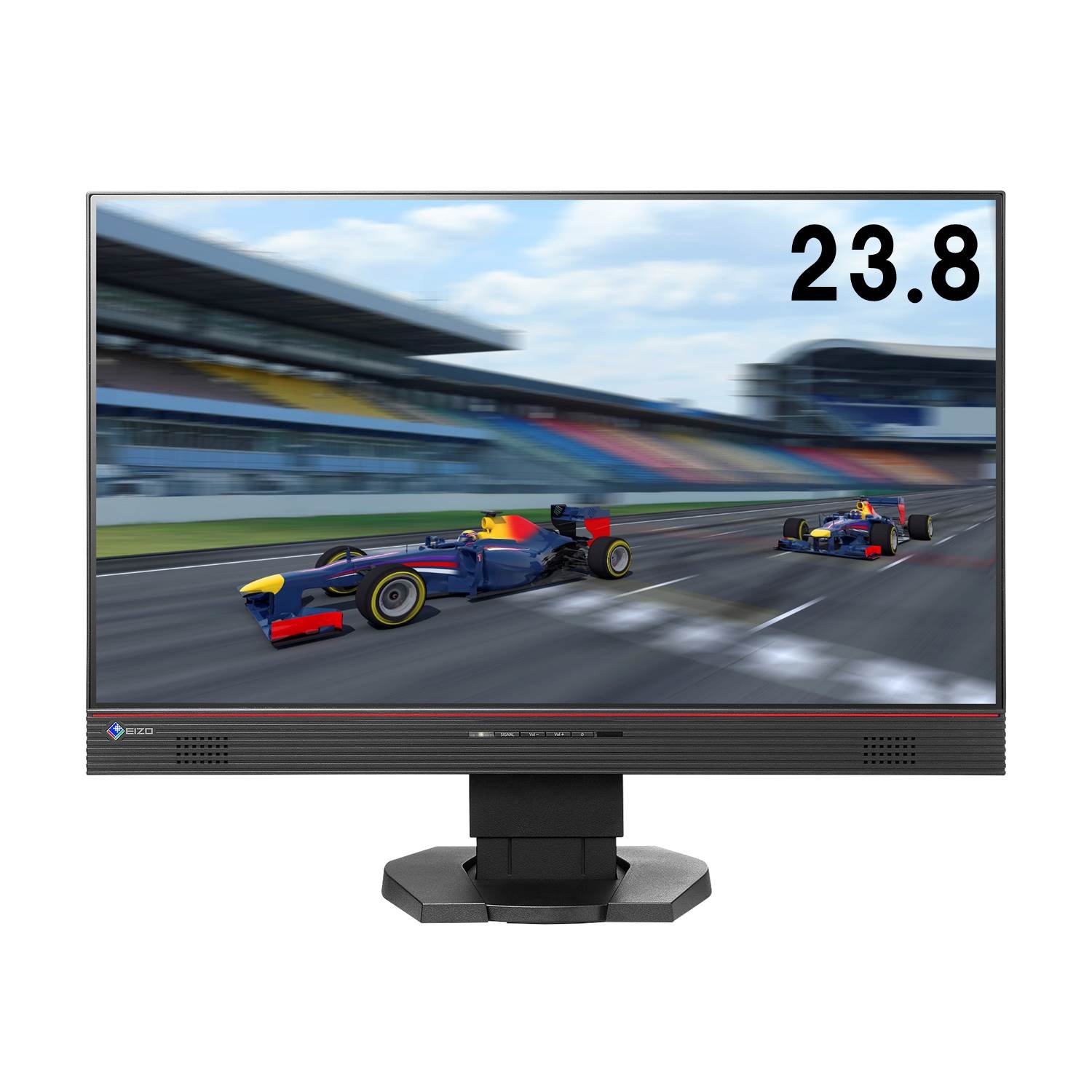
EIZO FORIS Gaming Monitor
Spoiler
Image
1920x1080
HDMI x2
DVI x1

Hardware + Cables
--------------------------
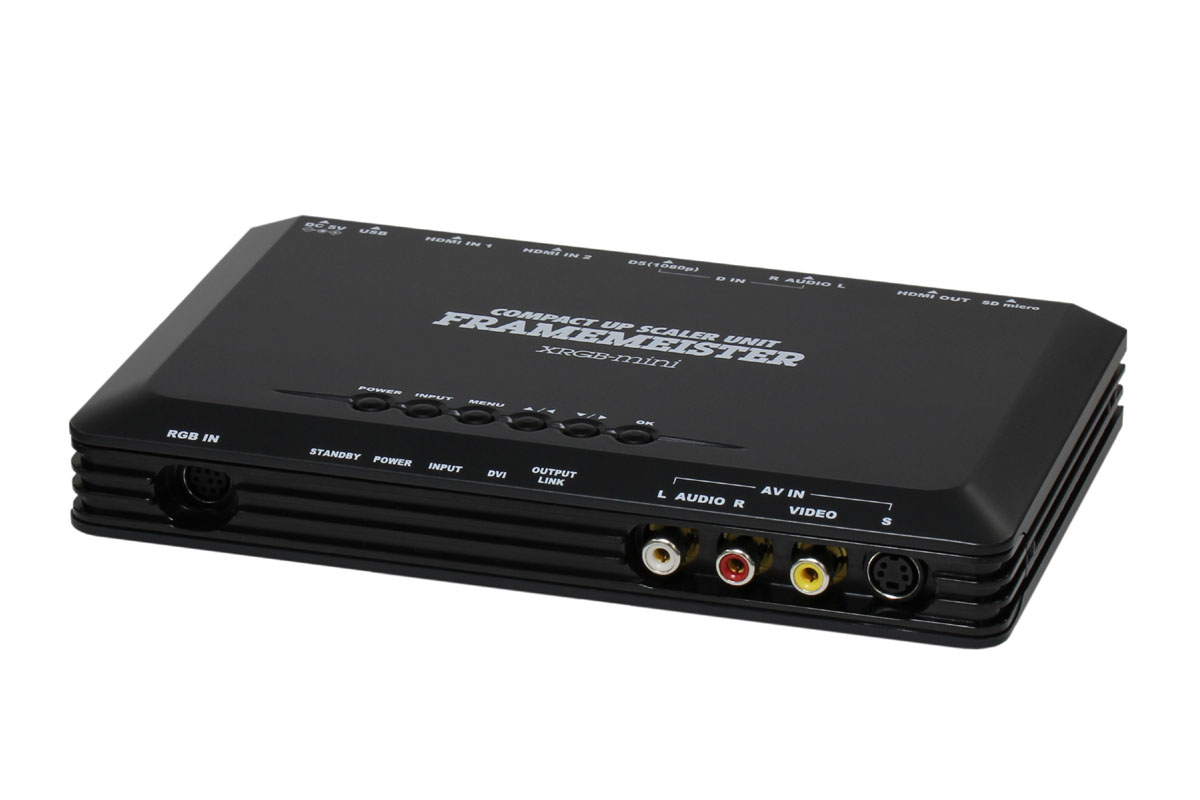
XRGB Framemeister
Spoiler
Image
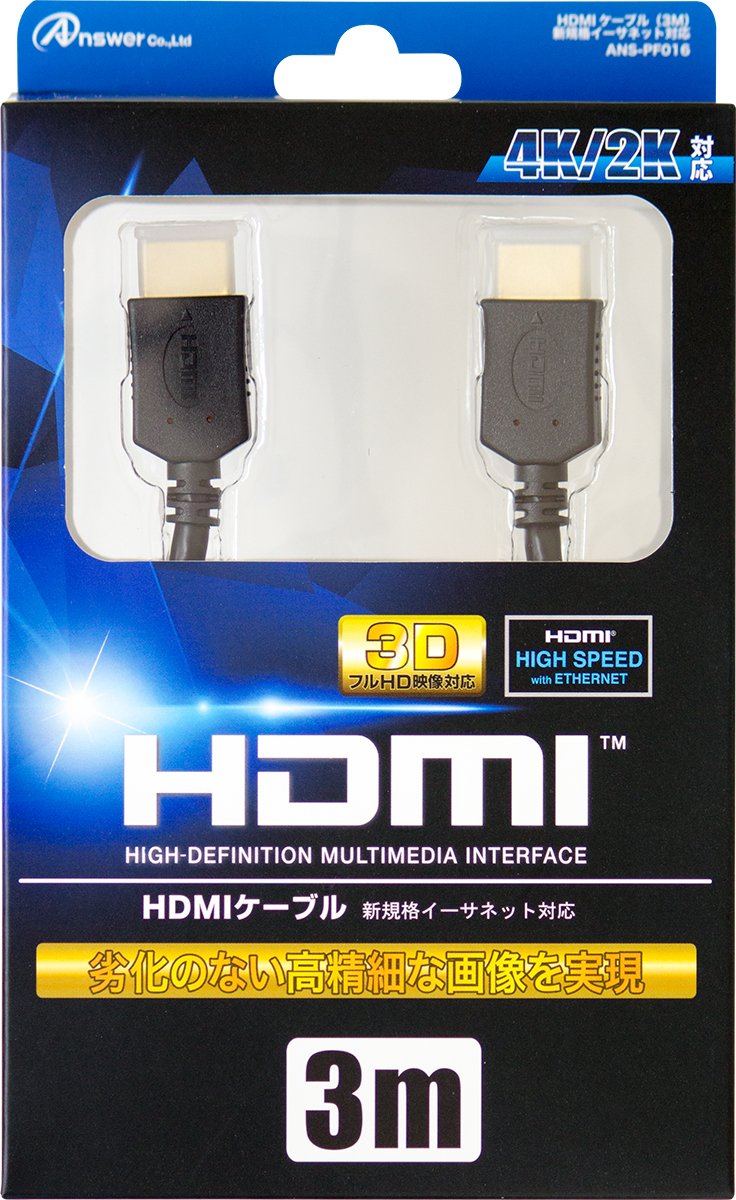
HDMI Cable
Spoiler
Image
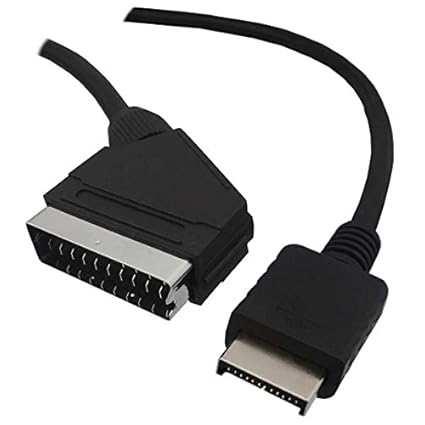
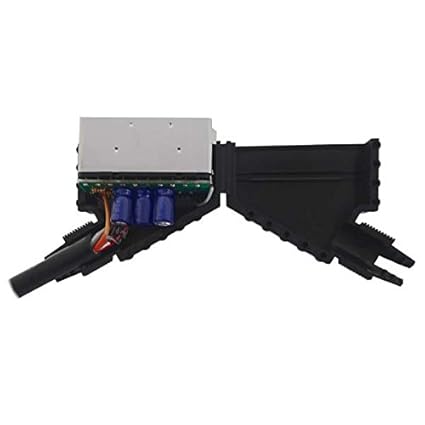
RGB Scart Cable
Spoiler
Image
Image
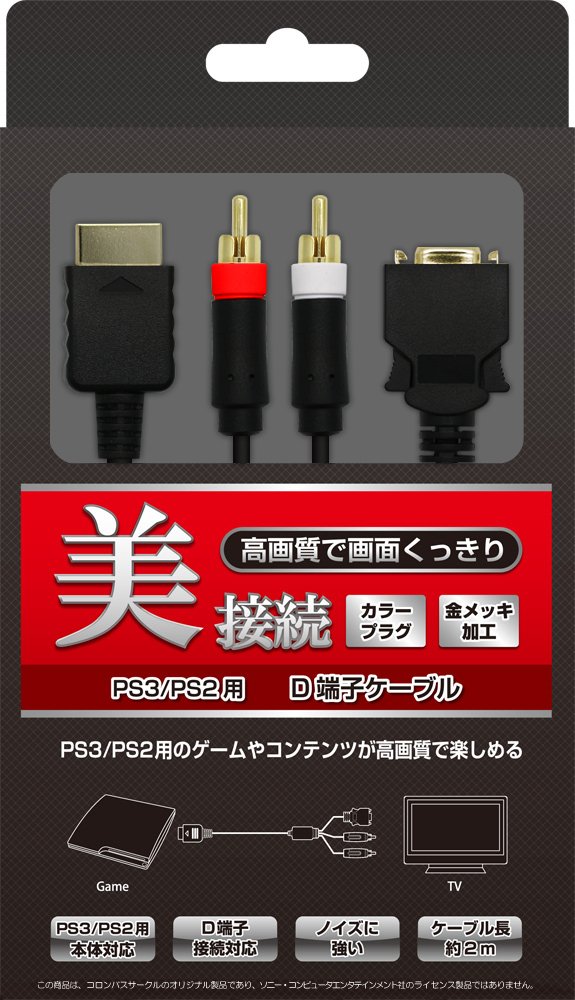
D Link Component Cable
Spoiler
Image
I don’t think I’ve got a faulty RGB and D Link Cable, so I am probably doing something wrong in the XRGB Settings menu. I’ve tried output type as DV and HDMI and there is no big different. The best quality I can get is by setting the resolution to 480 and I’m sure there must be a way to get a better picture.

Anyway, any advice would be much appreciated, thanks for reading the above.
User avatar
Lawfer
Posts: 2283
Joined: Fri Dec 01, 2006 3:30 am

Re: PS2 Games on PS3 Best Quality with XRGB Framemeister

Post by Lawfer »

Hum, why not use an actual PS2?
User avatar
BazookaBen
Posts: 2159
Joined: Thu Apr 17, 2008 8:09 pm
Location: North Carolina

Re: PS2 Games on PS3 Best Quality with XRGB Framemeister

Post by BazookaBen »

Get a PS2.

Even when using analog cables like s-video or RGB, the PS3 adds what feels like 3 frames of input lag to PS2 games.
RGBJAPAN8888
Posts: 8
Joined: Tue Aug 15, 2017 2:15 pm

Re: PS2 Games on PS3 Best Quality with XRGB Framemeister

Post by RGBJAPAN8888 »

Happy New Year Guys!

Thanks for the replies.

I'll have to dig out my PS2, to check if I notice the difference in input lag. However, I was really more concerned with the picture quality, I can't understand why I can't get anything above 480 on my display in decent quality. PS3 (PS3 games), PS4, SNES, Saturn, XBox 360, PC Engine and Dreamcast all look great on my monitor. I would be happy even if I got 720p :D

Here are the reasons that I would prefer to use a PS3;
1) I have limited space at the moment (live in Japan), and really only have enough space for one machine. That's why I paid extra to get a PS3 that plays older PS1 + PS2 games.

2) I'm not a big fan of the PS2 controller and prefer the PS3 controller. I have a DS4, and can also use that with some PS3 games.

3) Game saves can easy be backup to a USB Drive, with the PS2 I don't know how to access them.

4) I'm spent quite a bit of money on my PS3 and cables :(, and would feel it's a shame not to use them, even though I have a PS2.
Sorry if this is too much information for you :D

Just wondering if the problem is that I'm not using an actual TV. Maybe the D Terminal/D Link cable works best when plugged directly into a TV. I think only TV's in Japan have this terminal, and unfortunately my monitor doesn't have this.

Anyway, that would explain the D Terminal/D Link cable, but I also have a specially made RGB Cable that has similar issues. With my other consoles, I use RGB, and it's really simple. Just plug the RGB cable in to the SNES, Saturn, PC Engine e.t.c, and the picture is really good.
User avatar
Lawfer
Posts: 2283
Joined: Fri Dec 01, 2006 3:30 am

Re: PS2 Games on PS3 Best Quality with XRGB Framemeister

Post by Lawfer »

Happy new year.

Your PS2 is the best option for enjoying properly and natively PS1 and PS2 games, use your PS2 with RGB output, you won't get good results from the PS3 neither in terms of picture quality nor performance. PS3 makes some PS1/2 games really difficult to play because of all the lag, not to mention the quality of the resulting picture is bad as you had judged by yourself.
User avatar
Fudoh
Posts: 13044
Joined: Mon Mar 06, 2006 3:29 am
Location: Germany
Contact:

Re: PS2 Games on PS3 Best Quality with XRGB Framemeister

Post by Fudoh »

You just don't want the PS3 to process any video output from your PS2 games. If you have PS2 games that natively support 480p use 480p via HDMI directly into your display. If you have games that are 480i-only (the majority) then use d-terminal into the Framemeister (with the deinterlacing set to standard or movie. Don't use picture or the game modes). In both scenarios you have to make sure that your PS3's output is set accordingly. I don't remember if the PS3 supports 480i through HDMI.

The Framemeister is good at processing 240p and 480i, but very weak at processing 480p.

PS2 games running at 480p look VERY NICE when output through a PS3 set to the same resolution. In this case the lag is heavily reduced as well (compared to 480i games deinterlaced or upscaled by the PS3).
Post Reply