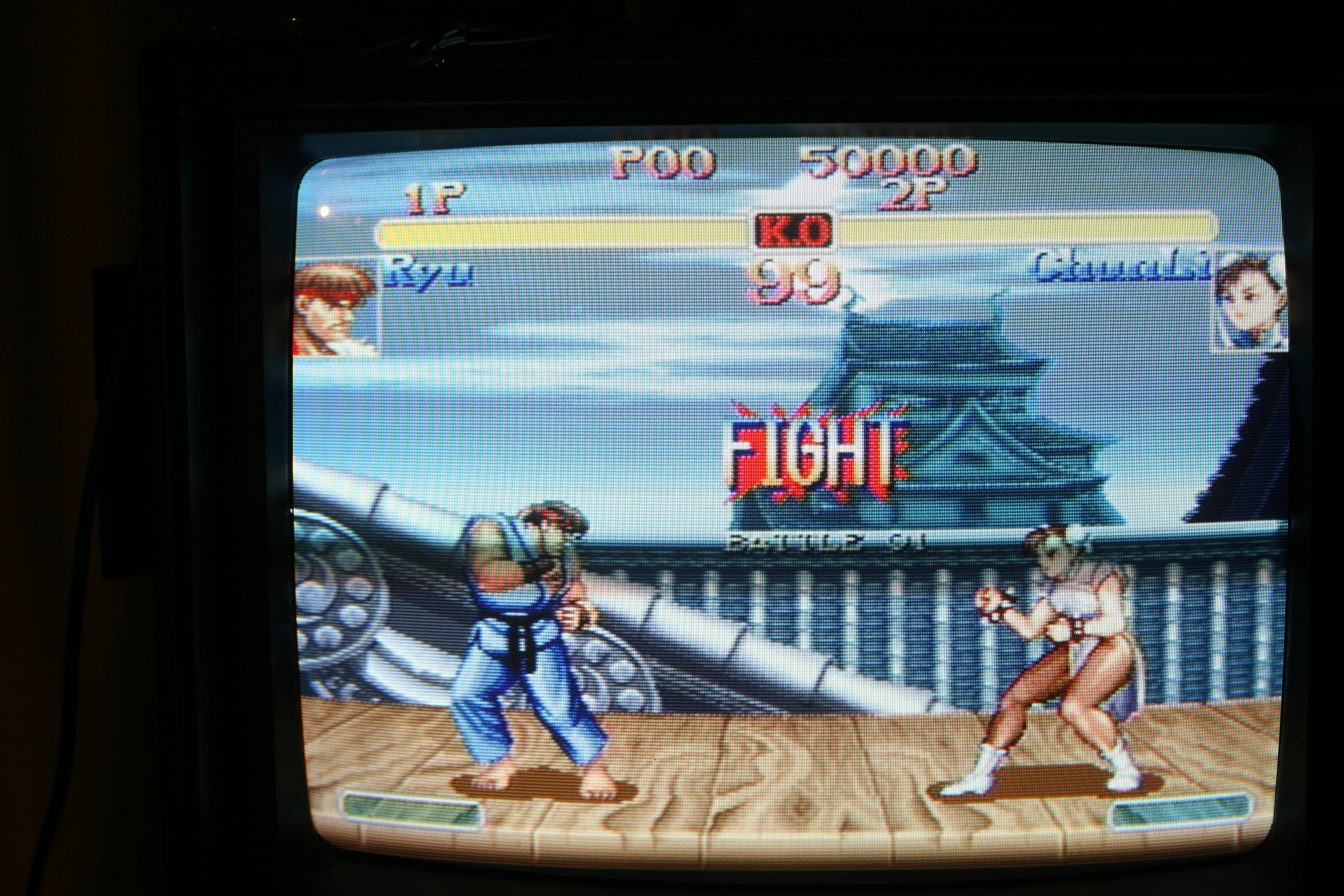
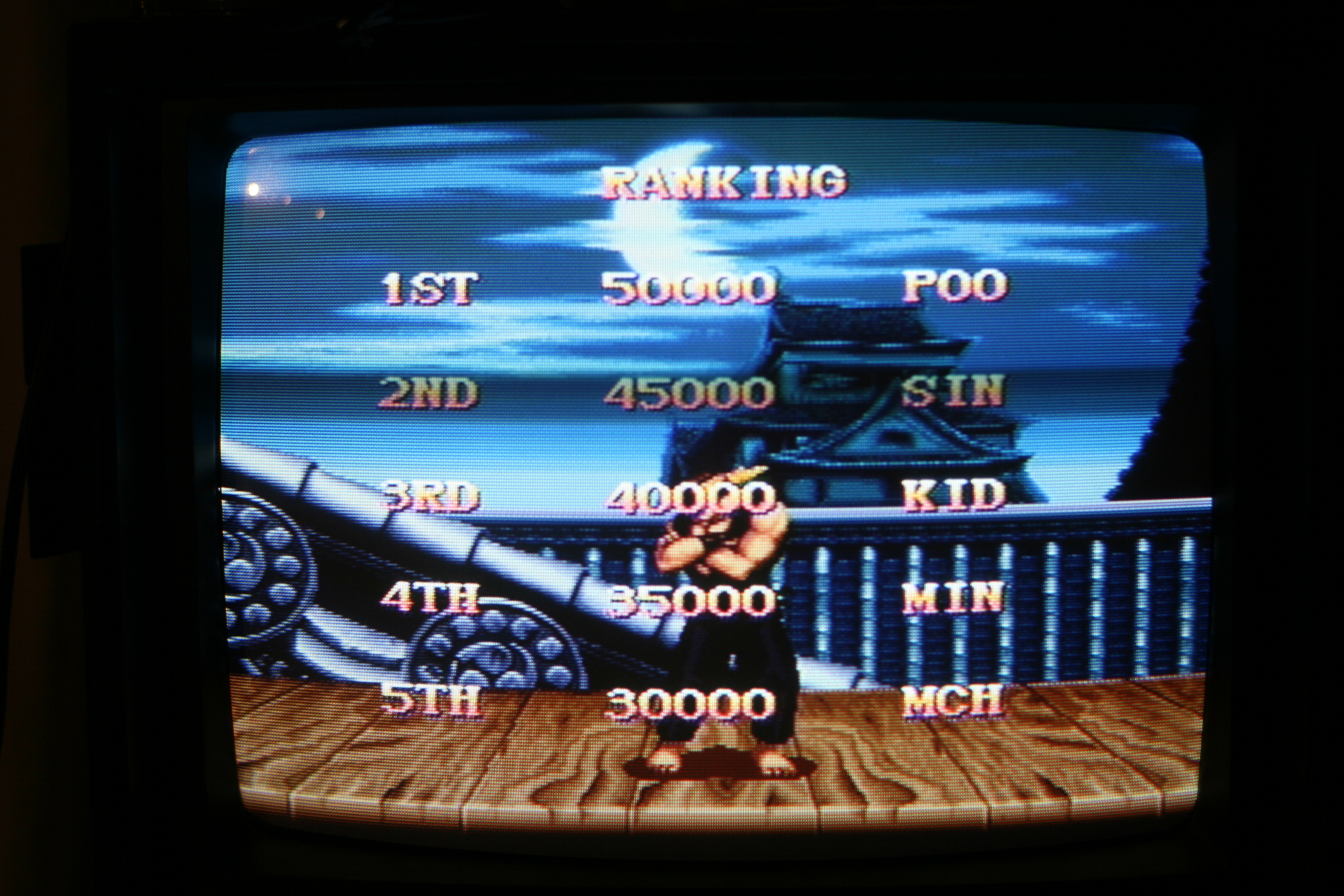
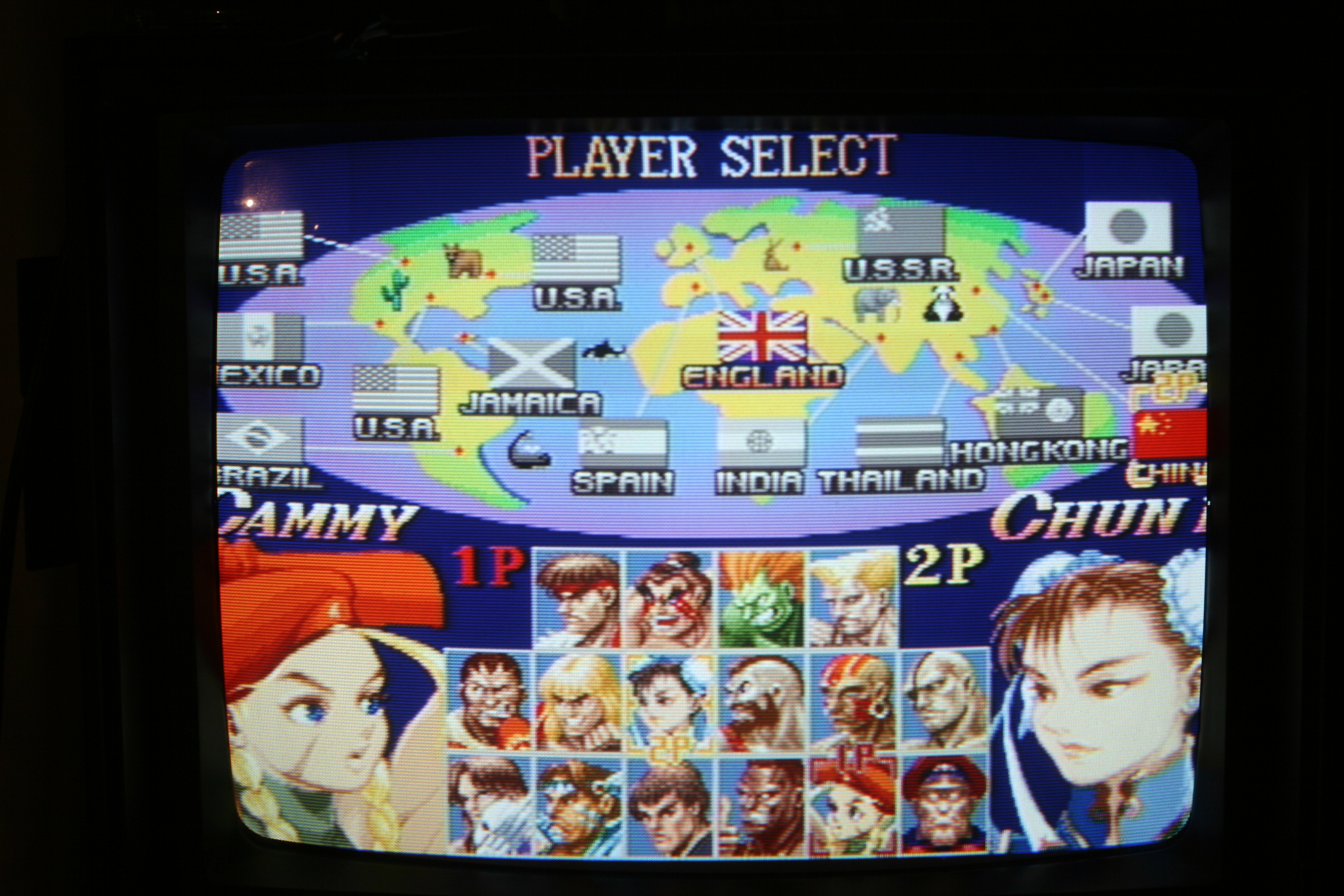
I have attempted to take pictures of games running on my FV300 for other people to check out but they aren't turning out very well. Using a shutter speed of 1/30 and setting the aperture to around 4.0 has helped but I am getting all of these faint wavy lines on the screen in the picture. When I took the pictures, I had the lights off, the camera on a tripod and zoomed in so that the chassis and screen took up the whole screen.
What do you guys think?
Looking for tips on taking pictures of CRT screen
-
Brad251
- Posts: 270
- Joined: Tue Mar 22, 2016 8:06 pm
-
Ikaruga11
- Posts: 1457
- Joined: Thu Apr 07, 2016 1:32 pm
Re: Looking for tips on taking pictures of CRT screen
I am interested in seeing high quality screenshots of your FV300. What games and systems are you going to show?
-
austin532

- Posts: 844
- Joined: Wed Mar 12, 2014 12:44 am
- Location: Arizona, US
Re: Looking for tips on taking pictures of CRT screen
I've been trying to figure this out myself. As far as I know you need a camera with a shutter speed of 1/60.
Framemeister 240p scanline settings: http://shmups.system11.org/viewtopic.ph ... start=9600
-
tjstogy

- Posts: 341
- Joined: Tue Sep 01, 2015 1:27 am
- Location: New York
Re: Looking for tips on taking pictures of CRT screen
Bob from retrorgb does this a lot I'd ask him. Or phonedork
-
Brad251
- Posts: 270
- Joined: Tue Mar 22, 2016 8:06 pm
Re: Looking for tips on taking pictures of CRT screen
I am running a softmodded Wii over component on my FV300, so I plan on showing games from the major pre-ps1 systems running in their native resolutions. This should give people an idea of what the actual systems outputting RGB would look like over a scart to component transcoder on the FV300. I will probably also take some pics of GC, Wii and OG Xbox games running on the set as well.GeneraLight wrote:I am interested in seeing high quality screenshots of your FV300. What games and systems are you going to show?
-
Ed Oscuro

- Posts: 18654
- Joined: Thu Dec 08, 2005 4:13 pm
- Location: uoıʇɐɹnƃıɟuoɔ ɯǝʇsʎs
Re: Looking for tips on taking pictures of CRT screen
If you're looking for a more "natural" look and can show a static screen, try a slower shutter speed.
Be sure to set the ISO manually so the camera doesn't fiddle with it, too. Depending on your camera the "best" value to use will vary.
Be sure to set the ISO manually so the camera doesn't fiddle with it, too. Depending on your camera the "best" value to use will vary.
-
LEGENOARYNINLIA

- Posts: 571
- Joined: Thu Mar 08, 2012 6:26 pm
- Location: Finland
Re: Looking for tips on taking pictures of CRT screen
Moire effect? The reasons for that are in the focal length of the lens vs size of the sensor and the size of the screen you are taking photos of. For example I have no moire effect issues when taking photos of my CRTs or plasma with a Ricoh GR Digital III (2009) but if I use my much more recent Ricoh GR (2013) which has a full APS-C size sensor the moire effects are rather prominent. Taking good photos of CRTs isn't as simple as setting the shutter speed to 1/30 or 1/60. Can you be more specific about what equipment you're using?
EDIT: I quickly snapped two examples. Both are shot in ISO400, 1/60, f2.8, and from the same distance. (warning: large files!)
GR: http://i.imgur.com/g7377uz.jpg
GRDIII: http://i.imgur.com/gQlpWeG.jpg
EDIT: I quickly snapped two examples. Both are shot in ISO400, 1/60, f2.8, and from the same distance. (warning: large files!)
GR: http://i.imgur.com/g7377uz.jpg

GRDIII: http://i.imgur.com/gQlpWeG.jpg

Last edited by LEGENOARYNINLIA on Sat Dec 17, 2016 4:07 pm, edited 1 time in total.
~The artist currently known again as TheRedKnight~
Fighting game tournament stuff: ninlia.home.blog
Fighting game tournament stuff: ninlia.home.blog
-
FinalBaton

- Posts: 4475
- Joined: Sun Mar 08, 2015 10:38 pm
- Location: Québec City
Re: Looking for tips on taking pictures of CRT screen
Really important to manually choose an ISO value. I personnally go with either 200 or 400, but as Ed wrote, YMMV.
Also it's really important to experiment with the angle and distance your camera is positioned in, in regards to the CRT. I always spend like 10 minutes taking many pics froms many different angles/distances before settling on a good spot, and over time I've come to realize that I (almost)never end up shooting square from the tube. But instead always shoot at an angle.
Heavy experimentation is key
Also it's really important to experiment with the angle and distance your camera is positioned in, in regards to the CRT. I always spend like 10 minutes taking many pics froms many different angles/distances before settling on a good spot, and over time I've come to realize that I (almost)never end up shooting square from the tube. But instead always shoot at an angle.
Heavy experimentation is key
-FM Synth & Black Metal-
-
Brad251
- Posts: 270
- Joined: Tue Mar 22, 2016 8:06 pm
Re: Looking for tips on taking pictures of CRT screen
LEGENOARYNINLIA wrote:Moire effect? The reasons for that are in the focal length of the lens vs size of the sensor and the size of the screen you are taking photos of. For example I have no moire effect issues when taking photos of my CRTs or plasma with a Ricoh GR Digital III (2009) but if I use my much more recent Ricoh GR (2013) which has a full APS-C size sensor the moire effects are rather prominent. Taking good photos of CRTs isn't as simple as setting the shutter speed to 1/30 or 1/60. Can you be more specific about what equipment you're using?
EDIT: I quickly snapped two examples. Both are shot in ISO400, 1/60, f2.8, and from the same distance. (warning: large files!)
GR: http://i.imgur.com/g7377uz.jpg
GRDIII: http://i.imgur.com/gQlpWeG.jpg
I'm using a Panasonic Lumix DMC-ZS5 camera. You are correct that what I am describing is the moire effect. I will keep experimenting, taking photos from different angles and distances.
-
ED-057

- Posts: 1560
- Joined: Fri Jan 28, 2005 7:21 am
- Location: USH
Re: Looking for tips on taking pictures of CRT screen
I experimented a bit with a 50mm lens (full frame equivalent would be 80mm)
http://www.hyakushiki.net/photo/img_0685.jpg
f/4 with sharp focus has some moderate rainbows (don't mind the specular reflection in the upper left)
http://www.hyakushiki.net/photo/img_0674.jpg
f/2.8 with softer focus doesn't appear to have any, but at 1/60 still has a dark horizontal stripe from where the beam happened to be during the shot
http://www.hyakushiki.net/photo/img_0679.jpg
f/4 1/10 looks good for a static scene?
http://www.hyakushiki.net/photo/img_0685.jpg
f/4 with sharp focus has some moderate rainbows (don't mind the specular reflection in the upper left)
http://www.hyakushiki.net/photo/img_0674.jpg
f/2.8 with softer focus doesn't appear to have any, but at 1/60 still has a dark horizontal stripe from where the beam happened to be during the shot
http://www.hyakushiki.net/photo/img_0679.jpg
f/4 1/10 looks good for a static scene?
-
Ed Oscuro
- Posts: 18654
- Joined: Thu Dec 08, 2005 4:13 pm
- Location: uoıʇɐɹnƃıɟuoɔ ɯǝʇsʎs
Re: Looking for tips on taking pictures of CRT screen
Does your camera have a zoomable focus mode? The last two images there don't appear to be in focus, especially if the first and last photos are both f/4 the sharpness should be the same.
The rainbow effect is just moire, hard to fix without messing with color channels in software. You can always try moving the camera closer or farther from the subject, or try a different camera (it might just be that this one has a weak anti-aliasing filter).
Basically it comes down to the strength of the anti-aliasing filter; failing that, sheer resolution can help. In theory moving the camera towards or away from the subject should at least shift the pattern, but might not eliminate it.
The rainbow effect is just moire, hard to fix without messing with color channels in software. You can always try moving the camera closer or farther from the subject, or try a different camera (it might just be that this one has a weak anti-aliasing filter).
This is a good point; I'm just replying to ED-209's images but hopefully this might apply as well.LEGENOARYNINLIA wrote:Moire effect? The reasons for that are in the focal length of the lens vs size of the sensor and the size of the screen you are taking photos of. For example I have no moire effect issues when taking photos of my CRTs or plasma with a Ricoh GR Digital III (2009) but if I use my much more recent Ricoh GR (2013) which has a full APS-C size sensor the moire effects are rather prominent. Taking good photos of CRTs isn't as simple as setting the shutter speed to 1/30 or 1/60. Can you be more specific about what equipment you're using?
Basically it comes down to the strength of the anti-aliasing filter; failing that, sheer resolution can help. In theory moving the camera towards or away from the subject should at least shift the pattern, but might not eliminate it.