
Anyway, the issue is that everything on the composite line looks way too bright. Yellows are rendered in a pale white tone. I ran a contrast test on it (using this image: http://www.soundandvision.com/images/bg ... cali.1.jpg), and all the shades of white look identical!
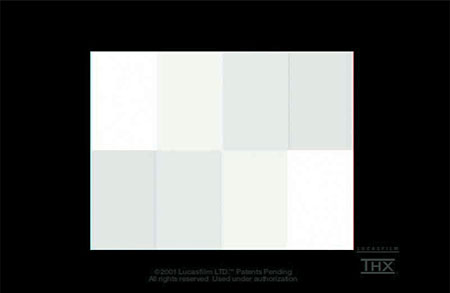
Here are comparison photos. The first one is using S-Video, and the second one is using composite:


Now, the strange part is that even though I was able to calibrate the monitor while using a YPbPr signal, the composite signal barely changed! And when I attempt to calibrate the composite signal, the "strong contrast" problem never goes away. Finally, I wasn't able to find composite-specific settings in the menus.
Does anyone know what's going on here? Thanks in advance!