Yesterday I bought a Xbox 360 and I wasn't aware that it didn't have a HDMI port It comes with a D-Terminal output or yellow component. Turns out there is no HDMI output on the earlier versions of the Xbox 360.
I hooked up the Xbox 360 via D-Termial to my X-RGB Mini, but the picture quality is very blurry and flickers.
Is there a better way to get a good picture from the old Xbox 360?
D-Terminal is just component. And the 360's component quality was very nice.
Just get a standard component cable from ebay or amazon and buy a component to HDMI converter for $20 (without any scaling). Set your 360 to 720p and you're good. No need to involve the Framemeister.
If your TV has very good component handling you can directly connect it as well, but on most TVs HDMI will give you better results.
theclaw wrote:Xbox 360 VGA is great. IIRC you can upscale DVD (and HD-DVD) to 1080p, totally evading HDCP.
Is this unusual?
How many other game consoles have both VGA output and DVD playback?
PS2 is trickier. Buy a version supporting progressive mode on DVDs, then deal with either the picture turning green or needing a sync on green monitor.
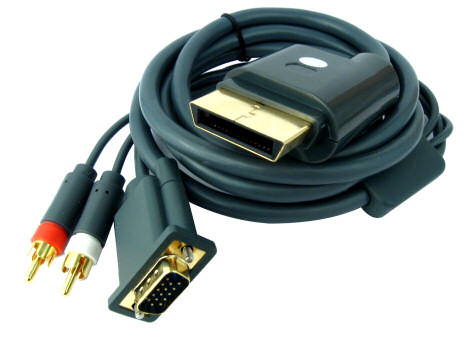
RGBJAPAN8888 wrote:Fantastic, thanks everyone... I'm going to get an official Xbox 360 VGA cable
What is the resolution of your monitor?
My monitor has a 1920 x 1080 resolution (Eizo). Actually I made a mistake, I thought that my monitor had a VGA input, so now I'm not too sure what to do. I decided to order a cable anyway, as I think it is the best option.
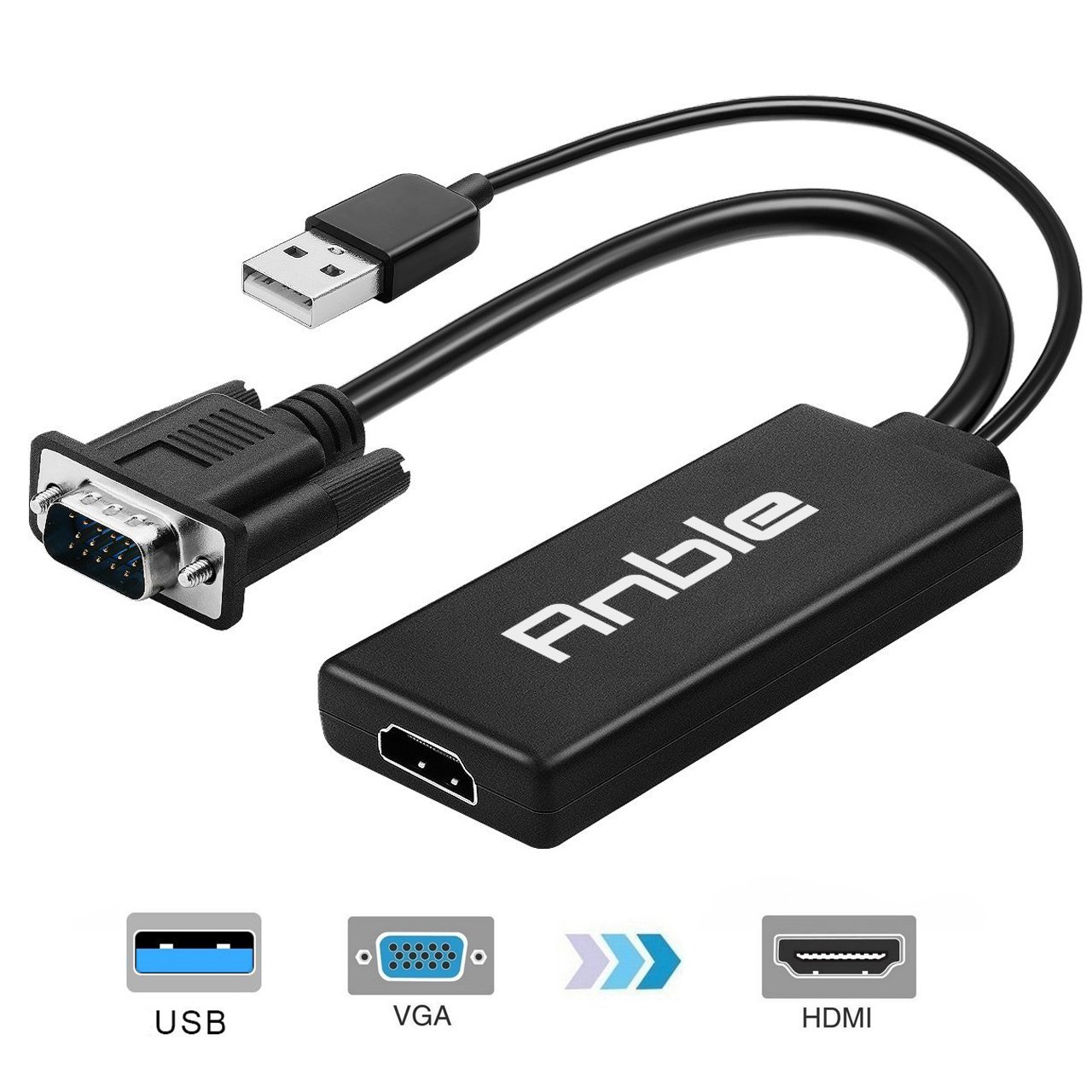
I have a VGA to HDMI cable which I thought I could use, but it has male connectors and I think that the Xbox VGA cable has male connectors so it won't connect.
it's unusual to find original Xbox 360s from the pre-HDMI era. especially ones that still function. might want to look into some cooling solutions as the original models have a lot of thermal weaknesses that can cause the circuit board to warp overtime especially with long gaming sessions.
Blair wrote:it's unusual to find original Xbox 360s from the pre-HDMI era. especially ones that still function. might want to look into some cooling solutions as the original models have a lot of thermal weaknesses that can cause the circuit board to warp overtime especially with long gaming sessions.
Yeah, I'm sort of worried about that. It's a Japanese model Xbox, but still made in China, so I'm not sure if the overheating problem was for every model or just the ones in the US and Europe....
@Fudoh
Thanks for the tip about the gender changer VGA Connectors. I found a really cheap one (Female to Female), so I should be able to connect my Xbox Male VGA and HDMI converter Male VGA to it ;D
BazookaBen wrote:I have the Monster brand VGA cable for the Xbox 360. Has very good PQ
There's an official one too, again, great quality.
The best part is since most people aren't going to care about VGA (especially on a console that outputs HDMI) they are dirt cheap. Yes even the official one, I grabbed one recently for $6 shipping included. Just gotta be careful when looking on eBay.
Oh and yeah any old 360 that is working at this point, has probably had some work done to it. So hopefully that's the case for yours OP. Both of my 360s were sent into m$ way back when I acquired them non-working and have been troopers ever since. Going on 10 years now.
Blair wrote:it's unusual to find original Xbox 360s from the pre-HDMI era. especially ones that still function. might want to look into some cooling solutions as the original models have a lot of thermal weaknesses that can cause the circuit board to warp overtime especially with long gaming sessions.
My VGA cable arrived and I used the adapter to convert the signal from VGA to HDMI, the results are fantastic. Much clearer than my PS2 via the Framemeister.
So I'm all set, but I'm a little worried about the Xbox overheating. I'm not sure how loud it is meant to be, but it is much louder than my Dreamcast and PS2. It's actually louder than my PC Also the back of the Xbox where the fans are blowing the hot air out seems to be pretty warm.
Is there a way to check if my system/motherboard has had the fix applied to it without taking it all apart?
RGBJAPAN8888 wrote:Is there a way to check if my system/motherboard has had the fix applied to it without taking it all apart?
You'd have to google that. But if it turns out your motherboard is an original, then it's probably only a matter of time before it dies. But used Xbox 360 slims are pretty cheap anyway. Easily found on Craigslist for under 80 bucks. Could probably haggle under 50.
 It comes with a D-Terminal output or yellow component. Turns out there is no HDMI output on the earlier versions of the Xbox 360.