RGB lines across the top of screen - vertical blanking?

The place for all discussion on gaming hardware
Post Reply
User avatar
AndehX
Posts: 790
Joined: Sun Oct 18, 2015 11:37 pm

RGB lines across the top of screen - vertical blanking?

Post by AndehX »

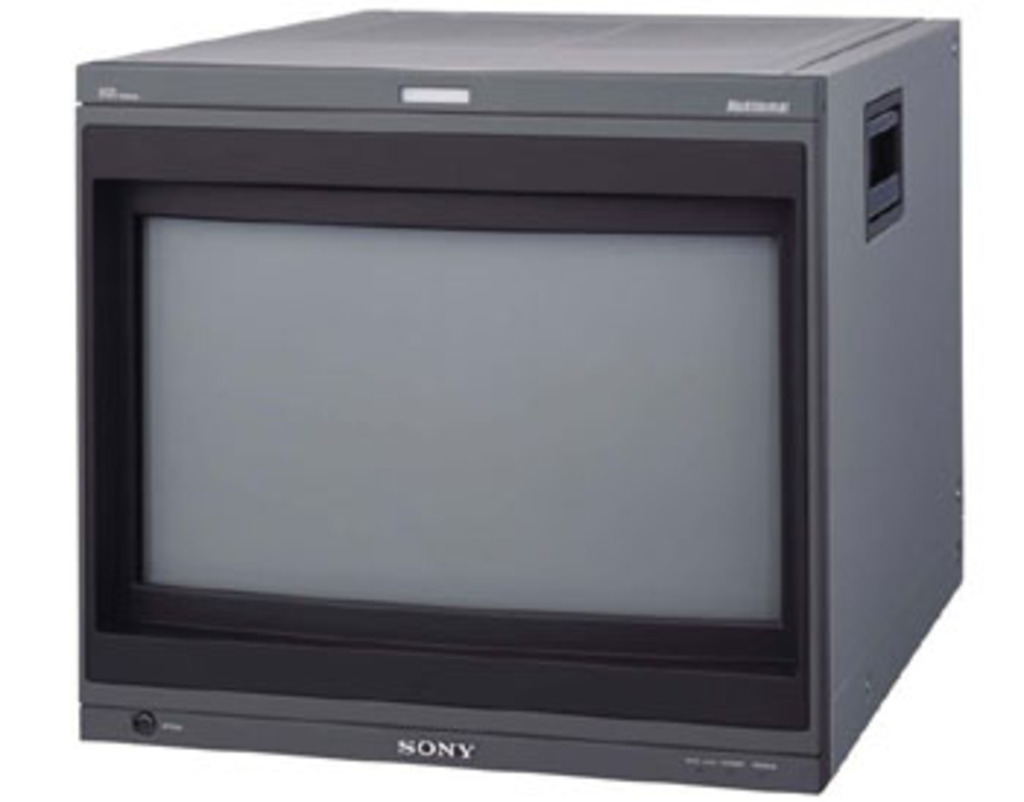
So im sure we all know what these lines across the top of the screen are, but how do I hide them? The vertical blanking settings just seems to move them up and down, it doesnt actually cover them. It's a BVM-20G1E.
I've moved them down so they meet with the top of the image, but thats the best I can do it seems.

Image
User avatar
AndehX
Posts: 790
Joined: Sun Oct 18, 2015 11:37 pm

Re: RGB lines across the top of screen - vertical blanking?

Post by AndehX »

nobody know if its possible to get rid of these lines?
22point8
Posts: 261
Joined: Wed Nov 14, 2012 5:59 pm
Location: London, England, UK

Re: RGB lines across the top of screen - vertical blanking?

Post by 22point8 »

From the picture it looks like your in 16:9 mode, have you tried the V Blanking option specific to 16:9 mode?
User avatar
AndehX
Posts: 790
Joined: Sun Oct 18, 2015 11:37 pm

Re: RGB lines across the top of screen - vertical blanking?

Post by AndehX »

yes. Like I said, it doesnt cover the lines, it just moves them up and down. The best I can do is to disguise them somewhat by lining them up with the top of the image.
User avatar
RGB32E
Posts: 1400
Joined: Thu Nov 05, 2009 12:50 am

Re: RGB lines across the top of screen - vertical blanking?

Post by RGB32E »

Perhaps the Sony BKM-33H20 (16:9 bezel) might be helpful for resolving (masking) this? Or just a strip of electrical tape? :lol:

Image

Also, this: http://shmups.system11.org/viewtopic.php?f=6&t=52002
User avatar
AndehX
Posts: 790
Joined: Sun Oct 18, 2015 11:37 pm

Re: RGB lines across the top of screen - vertical blanking?

Post by AndehX »

I'll keep an eye out for the bezel. Shame theres no way to just get rid of the lines via a menu option :(
Post Reply