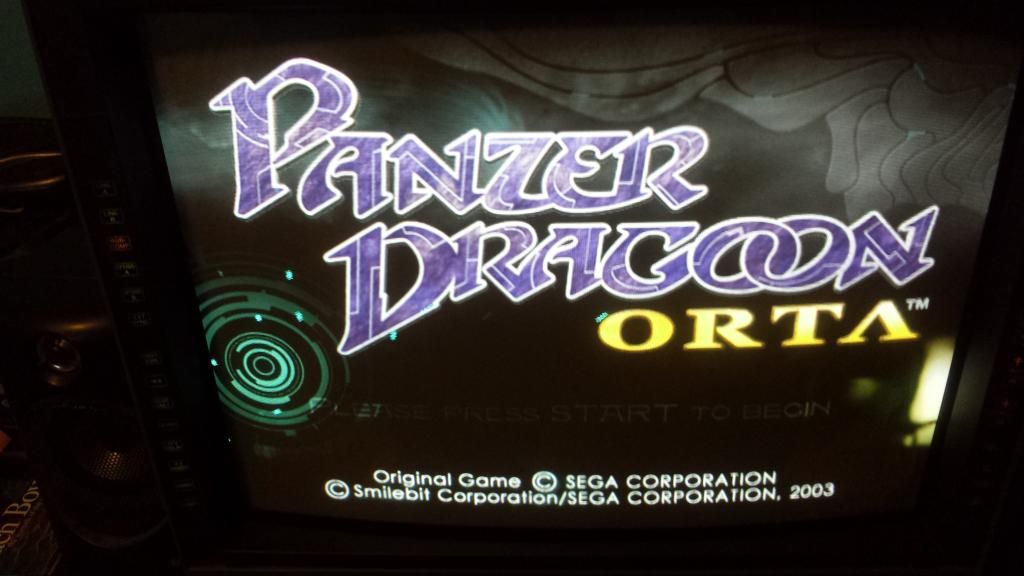
Does anyone know what is wrong? Thank You.
Weird Colors PVM 20L5 Component
-
nesboy43
- Posts: 14
- Joined: Wed Jul 30, 2014 9:05 am
Weird Colors PVM 20L5 Component
My PVM 20L5 monitor is perfect, especially on RGB mode and everything is calibrated using the 240p test patterns for Genesis. However, today I got Component Cables for the original Xbox. I enabled 480p in both the Unleash X dash and the official dash. However, I get really strange colors. Whites become purple, and everything is very green. I can't find any way to change this.
Does anyone know what is wrong? Thank You.
Does anyone know what is wrong? Thank You.
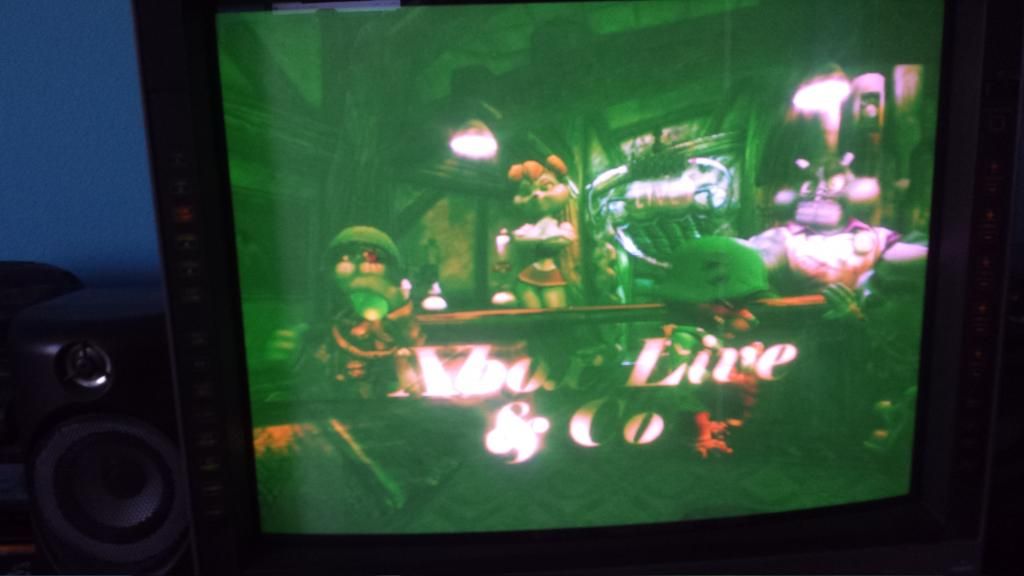
-
cyborc

- Posts: 308
- Joined: Wed Mar 25, 2009 6:26 am
- Location: USA
Re: Weird Colors PVM 20L5 Component
did you change from rgb to component in the pvm's menu?
-
nesboy43
- Posts: 14
- Joined: Wed Jul 30, 2014 9:05 am
Re: Weird Colors PVM 20L5 Component
Yes I did.cyborc wrote:did you change from rgb to component in the pvm's menu?
-
cyborc
- Posts: 308
- Joined: Wed Mar 25, 2009 6:26 am
- Location: USA
Re: Weird Colors PVM 20L5 Component
please don't take this as me insulting your intelligence but did you double check that the cables are in their correct input jacks? I've made this mistake myself a few times.
-
antron

- Posts: 2861
- Joined: Wed Feb 22, 2006 7:53 pm
- Location: Egret 29, USA
Re: Weird Colors PVM 20L5 Component
I believe the Unleash dash has enabled 480p RGB, and this is sync on green VGA for the xbox1. This allows the display to sync in component mode, but with incorrect colors.
-
nesboy43
- Posts: 14
- Joined: Wed Jul 30, 2014 9:05 am
Re: Weird Colors PVM 20L5 Component
Yes they are, I double checked. Nothing is insulting, I appreciate you looking out for me.cyborc wrote:please don't take this as me insulting your intelligence but did you double check that the cables are in their correct input jacks? I've made this mistake myself a few times.
Ah this is most likely it. When it boots up it shows the Xbox logo perfectly and then my TV makes a sort of small pop sound once the unleash X logo comes up, then the colors get weird. How would I solve this? Is there a setting?antron wrote:I believe the Unleash dash has enabled 480p RGB, and this is sync on green VGA for the xbox1. This allows the display to sync in component mode, but with incorrect colors.
-
antron
- Posts: 2861
- Joined: Wed Feb 22, 2006 7:53 pm
- Location: Egret 29, USA
Re: Weird Colors PVM 20L5 Component
I've never used that software, but are there any more video settings? There must be. Otherwise switch to avalaunch, XBMC, evoX, etc..?
-
nesboy43
- Posts: 14
- Joined: Wed Jul 30, 2014 9:05 am
Re: Weird Colors PVM 20L5 Component
Only other setting were about forcing PAL video mode or adding extra frames.antron wrote:I've never used that software, but are there any more video settings? There must be. Otherwise switch to avalaunch, XBMC, evoX, etc..?
Good news though, I fixed it, but in a really stupid way. I was trying to install a new dash (XBMC) and deleted the E/dash/default.xbe, but when I tried to move the new default.xbe over (as well as the other XBMC files), it wouldn't work and kept giving me errors. I basically realized at this point I bricked my Xbox. I restarted and I was at a basic unleashx screen with a different layout with an option to "Install Ndure", and colors seemed good. I installed Ndure and now everything is perfect. It must have been a corrupt install initially. Ndure made another default.xbe in the same file path. Works perfectly, games look amazing. Thanks for your postings, I was thinking my TV was screwed up.