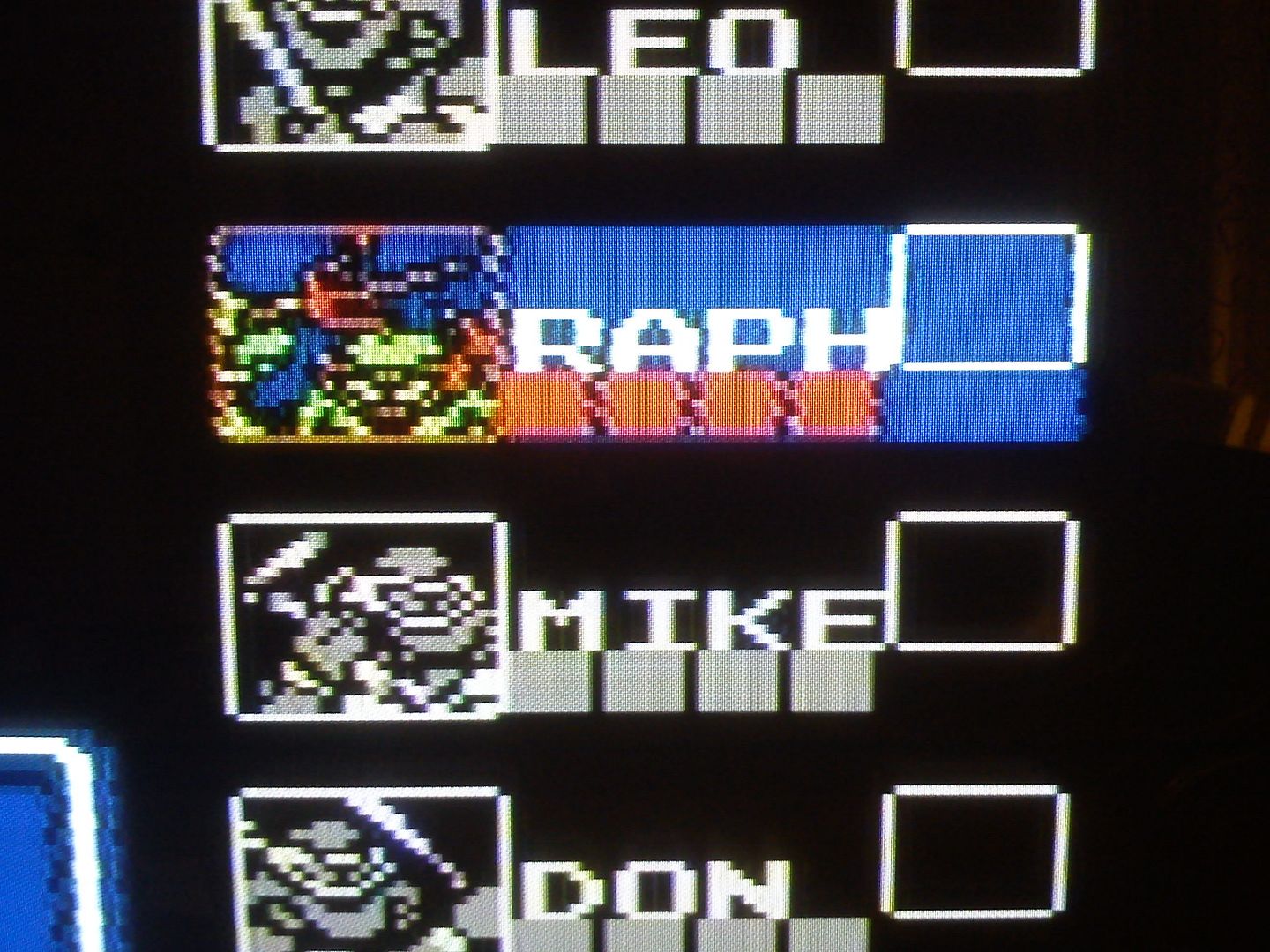
Hehe, I take it you're jokingFudoh wrote:and try a PAL NES via composite for the best non-RGB quality you've seen yet from a NESYou should really try composite from something like a Mega Drive or a Neo Geo (anything with a Sony CXA1145 encoder really), because that will look absolutely ass.Set the XRGB to 576p50 output.
XRGB-mini Framemeister
-
Konsolkongen
- Posts: 2398
- Joined: Fri May 16, 2008 8:28 pm
- Location: Denmark
Re: XRGB-mini Framemeister (now available !)
-
Fudoh
- Posts: 13044
- Joined: Mon Mar 06, 2006 3:29 am
- Location: Germany
- Contact:
Re: XRGB-mini Framemeister (now available !)
No, I'm actually serious. Not that I would settle for what I saw, but I was surprised, even perplexed at what I saw. In comparison to processors which are known to have good comb filters (Vigatec), the PAL NES looked stunning on the Mini. Hardly any dot crawl or rainbows. Light years from what the Mini does on NTSC NES signals.
-
RGB32E
- Posts: 1400
- Joined: Thu Nov 05, 2009 12:50 am
Re: XRGB-mini Framemeister (now available !)
I second this. I've found no reason to have a sync separator in SCART adaptor. In early firmware some consoles wouldn't sync, and a LM1881 could be used, but that is a thing of the past. I suppose the eBay adaptor continues to sell this way to keep the higher price tag and prevent returns from those who haven't updated their firmware or can't figure out how to adjust the sync level. Idiot proofing?Fudoh wrote:fagin, just watching your video - a few comments:
I actually don't need or use a sync stripper on ANY of my systems and that includes a lot of systems. Did you actually encounter any problems in using the Mini without a sync stripper ? Not according to your review, right ? I think Micomsoft paid good attention to this point and made sure no pure sync is needed - especially since they brought the sync level function with the last update.
-
NWrain
- Posts: 242
- Joined: Wed Oct 10, 2012 3:50 am
- Location: NTSC-US
Re: XRGB-mini Framemeister (now available !)
The XRGB mini accepts composite video for sync? Am I understanding this correctly?
-
Zapf
- Posts: 366
- Joined: Sat Aug 08, 2009 5:21 pm
Re: XRGB-mini Framemeister (now available !)
To be fair, retro_console_accessories has sold both versions of the adapter (with and without sync processing of some sort) concurrently, and has mentioned having had a lotttttttt of trouble with clueless buyers in the past (look at how many posts rock man and smashbro have had to make across several threads / forums in order to understand rgb setups). She even was giving a 5 dollar discount on one of her items if you bothered to fully read the ebay listing and understood what you were actually buying.RGB32E wrote:I second this. I've found no reason to have a sync separator in SCART adaptor. In early firmware some consoles wouldn't sync, and a LM1881 could be used, but that is a thing of the past. I suppose the eBay adaptor continues to sell this way to keep the higher price tag and prevent returns from those who haven't updated their firmware or can't figure out how to adjust the sync level. Idiot proofing?Fudoh wrote:fagin, just watching your video - a few comments:
I actually don't need or use a sync stripper on ANY of my systems and that includes a lot of systems. Did you actually encounter any problems in using the Mini without a sync stripper ? Not according to your review, right ? I think Micomsoft paid good attention to this point and made sure no pure sync is needed - especially since they brought the sync level function with the last update.
-
Fudoh
- Posts: 13044
- Joined: Mon Mar 06, 2006 3:29 am
- Location: Germany
- Contact:
Re: XRGB-mini Framemeister (now available !)
sure, everything else would be way to complicated.The XRGB mini accepts composite video for sync? Am I understanding this correctly?
-
jdubs
- Posts: 218
- Joined: Tue May 15, 2012 5:18 pm
Re: XRGB-mini Framemeister (now available !)
Konsolkongen wrote:I can't take a picture of it. It's a wave-like pattern that moves up the screen at variable speed. It starts really fast, but after about five minutes it slows down to the point where it's almost not noticeable anymore, and then it speeds up again.Aatos wrote: So this would point out more to the same flickering effect that you described, can you take a picture of it/describe it better?
Nope sorry. I was just suggested replacing my PSU as a possible solution to the problem. I remember that someones image problems with their SNES was solved by replacing the PSU, so it's not impossible it would work. But then again, if you have tried two different PSUs then it would be pretty strange if both were bad.Do you have any explanation why different PSUs would be any different? In case you're actually referring to the box that is attached to the end (it does have external psu, right?), I think I've tried two but my effect persists..
I willIn the meantime, let me know Konsolkongen if you come up with anything new/try this mod out with PAL console etc. And everyone, thanks again for looking into this!
I'll definitely be curious on your outcome, here, as I've encountered this with my CPS2 setup. I suspect its the CPS2's power supply as the effect changes with variations in the +5v line's voltage.
-Jim
-
fagin
- Posts: 1654
- Joined: Fri Mar 19, 2010 2:29 pm
- Location: UK
Re: XRGB-mini Framemeister (now available !)
Thanks for your "corrections" guys.... I'll update the video description with such information.
Fudoh,
Specifically.......
I never tried without the sync stripper as it was included within the pack and I'd read somewhere that it could cause problems without it. Reading retro access advert as well, I put 2 and 2 together and came up with 56.456.
Have you tested the lag in both modes with your "tester"? It just felt "different" and I think I mentioned that "it could just be me... but".
I've just looked at my notes and yes, for 480p input I have the setting to 1080p. As you state it makes a difference.
PS: The toilet paper is to blow my nose on, not wipe my bellend with.
PPS: I'd rather self harm than use a NES.
Fudoh,
Specifically.......
I never tried without the sync stripper as it was included within the pack and I'd read somewhere that it could cause problems without it. Reading retro access advert as well, I put 2 and 2 together and came up with 56.456.
Have you tested the lag in both modes with your "tester"? It just felt "different" and I think I mentioned that "it could just be me... but".
I've just looked at my notes and yes, for 480p input I have the setting to 1080p. As you state it makes a difference.
PS: The toilet paper is to blow my nose on, not wipe my bellend with.
PPS: I'd rather self harm than use a NES.
-
Konsolkongen
- Posts: 2398
- Joined: Fri May 16, 2008 8:28 pm
- Location: Denmark
Re: XRGB-mini Framemeister (now available !)
Really? To me it looked pretty bad. I don't have a PAL NES anymore because I installed a US CPU, Crystal and RGB PPU insteadFudoh wrote:No, I'm actually serious. Not that I would settle for what I saw, but I was surprised, even perplexed at what I saw. In comparison to processors which are known to have good comb filters (Vigatec), the PAL NES looked stunning on the Mini. Hardly any dot crawl or rainbows. Light years from what the Mini does on NTSC NES signals.
http://i40.photobucket.com/albums/e236/ ... C00419.jpg
Pretty noticeable dotcrawl I'd say. I did output in 720p and I doubt 480p would have made much of a difference here?
-
HydrogLox
- Posts: 1164
- Joined: Tue May 22, 2012 3:35 pm
- Location: Ontario, Canada
Re: XRGB-mini Framemeister (now available !)
I don't recall there being a version for the XRGB-mini from retro_console_accessories without sync processing; both versions I'm familiar with have the chip built in. The more expensive one (v2) has separate power cables, while the slightly cheaper one (v1) draws power from the video cable. And I have to agree that "idiot proofing" is the most likely reason...Zapf wrote:To be fair, retro_console_accessories has sold both versions of the adapter (with and without sync processing of some sort) concurrently
-
Zapf
- Posts: 366
- Joined: Sat Aug 08, 2009 5:21 pm
Re: XRGB-mini Framemeister (now available !)
Oh yeah, my bad. I forgot the one without an external power source was just inline (and didn't have current listings to check)
-
Fudoh
- Posts: 13044
- Joined: Mon Mar 06, 2006 3:29 am
- Location: Germany
- Contact:
Re: XRGB-mini Framemeister (now available !)
me too, but I keep a PAL unit around for the enhanced Mario Bros. It's speed-adapted to 50Hz units and runs to fast on 60Hz machines.I don't have a PAL NES anymore because I installed a US CPU, Crystal and RGB PPU instead
from a NTSC NES ? Nothing to gain here....Pretty noticeable dotcrawl I'd say. I did output in 720p and I doubt 480p would have made much of a difference here?
-
Konsolkongen
- Posts: 2398
- Joined: Fri May 16, 2008 8:28 pm
- Location: Denmark
Re: XRGB-mini Framemeister (now available !)
Yeah EU Mario on a US machine is bad. Surprisingly many NES games are 50Hz optimized :OFudoh wrote:me too, but I keep a PAL unit around for the enhanced Mario Bros. It's speed-adapted to 50Hz units and runs to fast on 60Hz machines.I don't have a PAL NES anymore because I installed a US CPU, Crystal and RGB PPU instead
No that picture was taken from my EU NES, before I converted it to USfrom a NTSC NES ? Nothing to gain here....Pretty noticeable dotcrawl I'd say. I did output in 720p and I doubt 480p would have made much of a difference here?
-
Shining
- Posts: 197
- Joined: Mon Jan 16, 2012 6:14 pm
- Location: Sweden
Re: XRGB-mini Framemeister (now available !)
Shining wrote:I still got this little problem that bugs me. I own the following systems and these are hooked up with euro scart cables:
US SNES (1CHIP-01)
US Genesis (model 1)
US PSOne (the small one)
PC Engine Duo-RX (with unknown RGB mod)
AV Famicom (RGB mod)
First i got this adapter. It still works flawlessly with my SNES, and Genesis. However, with the Duo-RX and AV Famicom i get sound but no picture. I have tried the different sync level settings on the Mini to no avail.
Then i got this adapter. With this one i get both picture and sound but instead i sometimes get random drop outs on EVERY console. Could it be due to the power supply not feeding it enough power? Maybe a separate power supply for the adapter would do the trick?
It seems like most of you guys don't have these issues
I must be one of those clueless people i guessFudoh wrote:Yes, get that passive adapter. The RGB Famicom will work flawlessly. It's not been too long since I got my Moosmann FC. We'll have to see about that Duo... Passive adapter + Sync level adjust works great here on my setup.
AV Famicom (RGB mod with official GameCube RGB cable)
No picture at all. Just this buzzing sound and adjusting the sync level does nothing. Only works with the adapter with external power supply.
US SNES (1CHIP-01 with official GameCube RGB cable)
No picture at all. Just this buzzing sound and adjusting the sync level does nothing. Has always worked flawlessly with Retro Access adapters.
PC Engine Duo-RX (with unknown RGB mod and cable that came with the console)
Works perfectly! Also only works with the adapter with external power supply.
US Genesis (model 1 with Retro Access raw sync RGB cable)
Works perfectly. Works with every adapter tried so far.
US PSOne (the small one with Retro Access RGB cable)
Works perfectly. Works with every adapter tried so far.
I, um, feel the issue might be with GameCube cables..? Sadly i don't have any other cables to try out right now.
-
kamiboy
- Posts: 2000
- Joined: Sat Sep 04, 2010 4:40 pm
- Location: Denmark
Re: XRGB-mini Framemeister (now available !)
Simple deduction would have it that the problem is with your Gamecube RGB cable. Maybe something related to 220uf capacitors?
Did the cable ever work in any setup, if so what?
-
fagin
- Posts: 1654
- Joined: Fri Mar 19, 2010 2:29 pm
- Location: UK
Re: XRGB-mini Framemeister (now available !)
fagin wrote: Fudoh,
Have you tested the lag in both modes with your "tester"? It just felt "different" and I think I mentioned that "it could just be me... but".
-
Shining
- Posts: 197
- Joined: Mon Jan 16, 2012 6:14 pm
- Location: Sweden
Re: XRGB-mini Framemeister (now available !)
Yep, the GCN cables work perfect with the Euro scart to 8 pin adapters with "boosted sync" from Retro Access when hooked up to an US SNES. The passive adapter mentioned by me (and Fudoh) above really seems to be the solution, only that i need to get other cables for my Nintendo systems.kamiboy wrote:Simple deduction would have it that the problem is with your Gamecube RGB cable. Maybe something related to 220uf capacitors?
Did the cable ever work in any setup, if so what?
Last edited by Shining on Thu Mar 07, 2013 2:41 pm, edited 1 time in total.
-
kamiboy
- Posts: 2000
- Joined: Sat Sep 04, 2010 4:40 pm
- Location: Denmark
Re: XRGB-mini Framemeister (now available !)
Hold on a tick. Your description says you get no picture from said setup.
-
Shining
- Posts: 197
- Joined: Mon Jan 16, 2012 6:14 pm
- Location: Sweden
Re: XRGB-mini Framemeister (now available !)
No, i think you misread that. It's very confusing. US SNES/AV Famicom works with the adapters from Retro Access with sync processing, but not with the passive one from Retrogamingcables. All my other systems works with the passive one, and therefore i think it might be an issue with the GCN cables.
What the heck, i should just order some new cables and try it out
-
kamiboy
- Posts: 2000
- Joined: Sat Sep 04, 2010 4:40 pm
- Location: Denmark
Re: XRGB-mini Framemeister (now available !)
I doubt ordering the same cables will solve your issue. It sounds like there is a problem with the sync signal from the cable, and said consoles, being fed to the mini unprocessed.
Perhaps the sync signal's levels are not within standard boundaries.
-
RGB32E
- Posts: 1400
- Joined: Thu Nov 05, 2009 12:50 am
Re: XRGB-mini Framemeister (now available !)
Wow, so many issues! Audio buzzing sounds like a ground connection isn't getting made to the mini. The only SCART to 8MDIN adapter/cable I use is the one I built myself. Maybe that's why mine works without any additional circuitry?! 
-
marqs
- Posts: 1139
- Joined: Sat Dec 15, 2012 12:11 pm
- Location: Finland
Re: XRGB-mini Framemeister (now available !)
I tried various modes with 480i (see page 83) and the results indicated that Mini always buffers both fields with interlaced content. However, if Standard is an adaptive mode, it may be possible that the test sequence (a simple black to white transition) didn't trigger any advanced processing, making the delay on par with simpler modes. That would mean there could be even more delay in Standard mode depending on the content, which would also cause some jitter. Sounds unlikely, but it would explain this.fagin wrote:Have you tested the lag in both modes with your "tester"? It just felt "different" and I think I mentioned that "it could just be me... but".
-
L0YD
- Posts: 9
- Joined: Sun Aug 29, 2010 2:52 pm
Re: XRGB-mini Framemeister (now available !)
Can someone help me out,I'm new to XRGB-mini, just got it out of the box, changed language menu,hooked up my PAL PS2 and... blue screen "no_input",first I got it connected with D-Terminal to Component Adapter Cable (Female) from solarisjapan and no luck,then I tried RGB cable,pressing "RGB" button and no luck,am I doing something wrong here?
update.
Tried my fat PS2, still no luck, they both work via hdbox pro though.
update 2
Now it can see RGB and "INPUT" indicator glows green,but still not working with Component cable.
Can the cable be the problem?
update.
Tried my fat PS2, still no luck, they both work via hdbox pro though.
update 2
Now it can see RGB and "INPUT" indicator glows green,but still not working with Component cable.
Can the cable be the problem?
-
NWrain
- Posts: 242
- Joined: Wed Oct 10, 2012 3:50 am
- Location: NTSC-US
Re: XRGB-mini Framemeister (now available !)
For D terminal component input hit the "D" button on the remote for component output.
Check to see if you have the latest 1.07a firmware. Also check if the output format is at 50hz and not at 60.
Also, does your monitor or TV accept 50hz signals?
Check to see if you have the latest 1.07a firmware. Also check if the output format is at 50hz and not at 60.
Also, does your monitor or TV accept 50hz signals?
-
L0YD
- Posts: 9
- Joined: Sun Aug 29, 2010 2:52 pm
Re: XRGB-mini Framemeister (now available !)
Thanks a lot, I am such a dumbass, it worked, yeah FW is 1.07.NWrain wrote:For D terminal component input hit the "D" button on the remote for component output.
Check to see if you have the latest 1.07a firmware. Also check if the output format is at 50hz and not at 60.
Also, does your monitor or TV accept 50hz signals?
-
Shining
- Posts: 197
- Joined: Mon Jan 16, 2012 6:14 pm
- Location: Sweden
Re: XRGB-mini Framemeister (now available !)
I get that alotRGB32E wrote:Wow, so many issues! Audio buzzing sounds like a ground connection isn't getting made to the mini. The only SCART to 8MDIN adapter/cable I use is the one I built myself. Maybe that's why mine works without any additional circuitry?!
Seriously though, i can live with having to switch between adapters as i don't have the skills to modify cables etc. But it sure would be nice to have only one for all of my consoles.
EDIT: So, i dug out my cheap old RGB scart switch and voila, now i get both picture and sound using the passive adapter. The switch produces artifacts so it's not really a solution.
Last edited by Shining on Mon Mar 11, 2013 8:32 am, edited 1 time in total.
-
fagin
- Posts: 1654
- Joined: Fri Mar 19, 2010 2:29 pm
- Location: UK
Re: XRGB-mini Framemeister (now available !)
In my opinion lag is very subjective, regardless of any numbers being reported. 2 frames is being reported by you, yet on (what you would perhaps expect to be) the fast mode I couldn't "feel" any lag compared to a CRT. It's weird and perhaps something we can tend to get all worked up over. Of course lag and does exist and can cause issues with play.... on test I did, I couldn't "feel" any such issues with Game_2.marqs wrote:I tried various modes with 480i (see page 83) and the results indicated that Mini always buffers both fields with interlaced content. However, if Standard is an adaptive mode, it may be possible that the test sequence (a simple black to white transition) didn't trigger any advanced processing, making the delay on par with simpler modes. That would mean there could be even more delay in Standard mode depending on the content, which would also cause some jitter. Sounds unlikely, but it would explain this.fagin wrote:Have you tested the lag in both modes with your "tester"? It just felt "different" and I think I mentioned that "it could just be me... but".
-
RGB32E
- Posts: 1400
- Joined: Thu Nov 05, 2009 12:50 am
Re: XRGB-mini Framemeister (now available !)
I'm guessing that the passive adapter is missing ground connections. Perhaps it's only ground connection is on the outer part of the hood. Official Nintendo RGB cables don't connect ground to the outer hood, so that could explain what you're encountering. The switch could be joining all ground connections, so that could be why it works with that. Would it be easy enough to open the passive adapter and post a picture of the connections?Shining wrote:I get that alotRGB32E wrote:Wow, so many issues! Audio buzzing sounds like a ground connection isn't getting made to the mini. The only SCART to 8MDIN adapter/cable I use is the one I built myself. Maybe that's why mine works without any additional circuitry?!![]()
Seriously though, i can live with having to switch between adapters as i don't have the skills to modify cables etc. But it sure would be nice to have only one for all of my consoles.
EDIT: So, i dug out my cheap old RGB scart switch and voila, now i get both picture and sound using the passive adapter. The switch produces artifacts so it's not really a solution.
-
Konsolkongen
- Posts: 2398
- Joined: Fri May 16, 2008 8:28 pm
- Location: Denmark
Re: XRGB-mini Framemeister (now available !)
Good thinking RGB32E. The original Wii RGB cable only has GND to pin 4 as far as I remember. That could very well be the reason.
-
Shining
- Posts: 197
- Joined: Mon Jan 16, 2012 6:14 pm
- Location: Sweden
Re: XRGB-mini Framemeister (now available !)
Interesting! I will try and do it this weekend.RGB32E wrote:I'm guessing that the passive adapter is missing ground connections. Perhaps it's only ground connection is on the outer part of the hood. Official Nintendo RGB cables don't connect ground to the outer hood, so that could explain what you're encountering. The switch could be joining all ground connections, so that could be why it works with that. Would it be easy enough to open the passive adapter and post a picture of the connections?Shining wrote:I get that alotRGB32E wrote:Wow, so many issues! Audio buzzing sounds like a ground connection isn't getting made to the mini. The only SCART to 8MDIN adapter/cable I use is the one I built myself. Maybe that's why mine works without any additional circuitry?!![]()
Seriously though, i can live with having to switch between adapters as i don't have the skills to modify cables etc. But it sure would be nice to have only one for all of my consoles.
EDIT: So, i dug out my cheap old RGB scart switch and voila, now i get both picture and sound using the passive adapter. The switch produces artifacts so it's not really a solution.