Overly bright picture using NTSC resolutions on HDTV

The place for all discussion on gaming hardware
Post Reply
ShadowFX
Posts: 3
Joined: Wed Aug 19, 2015 8:04 am

Overly bright picture using NTSC resolutions on HDTV

Post by ShadowFX »

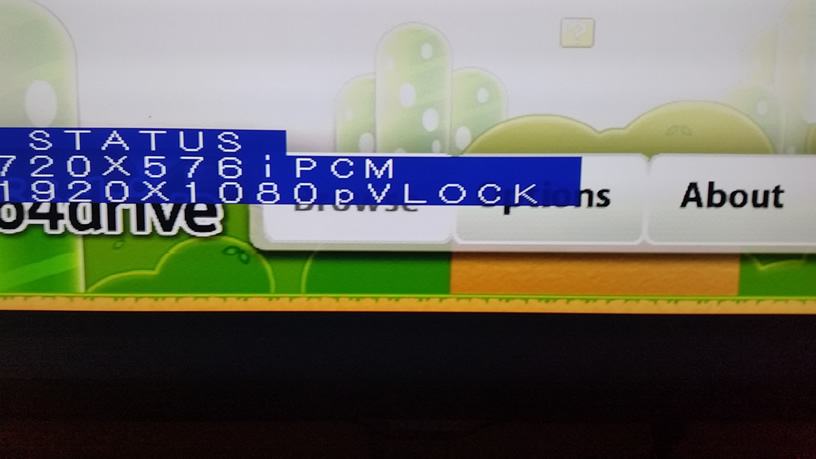
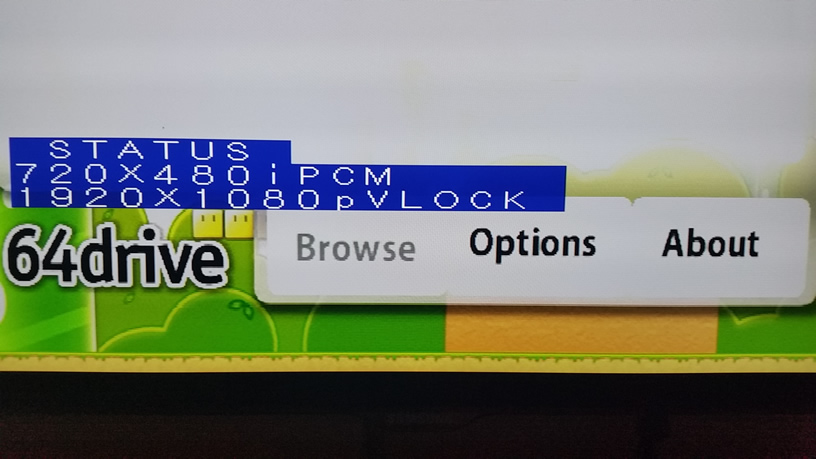
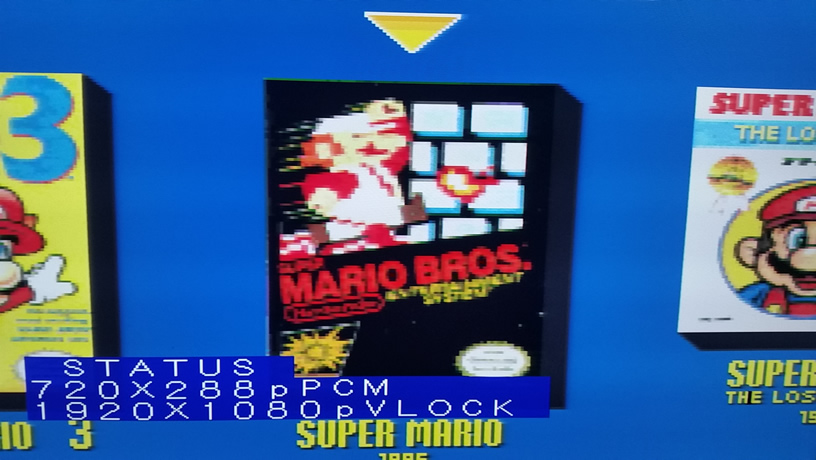
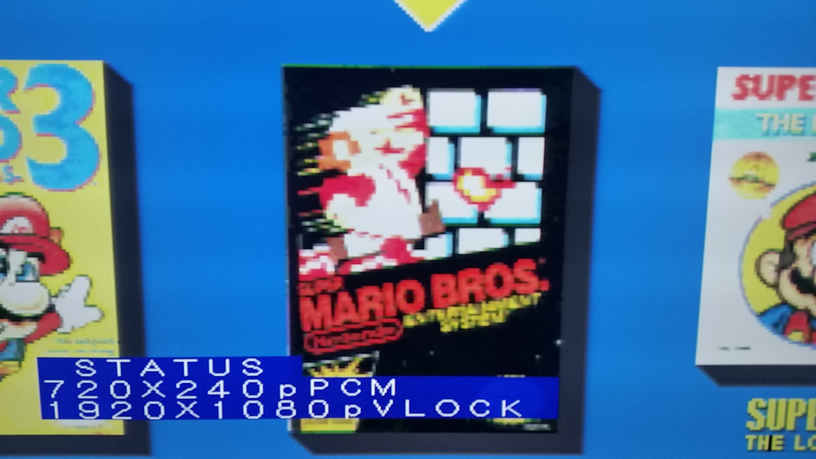
I have a problem when using NTSC resolutions such as 240p and 480i on my HDTV, the picture is way too bright. I have the following screens to compare:

[SNES]
PAL
Image
NTSC
Image
[N64]
PAL
Image
NTSC
Image

The following setup is used:

- PAL SNES (one of the first models, 1992)
- PAL N64 (FRA model, 1997) -> Official RGB mod (can output both Composite video and RGB)

- SNES RGB cable with Sync-on-Luma, connected to the SNES
- SNES RGB cable with Sync-on-Composite, connected to the N64

- EuroSCART to mini with Sync Stripper built-in (needs pin 8 to power the circuit)
- XRGB Framemeister mini (firmware 2.00a)

- All cables are bought from RetroGamingCable.co.uk
- Standard HDMI cables I bought in Europe

I have tried the following:

1. Connecting the RGB cables directly to a CRT TV. Surprisingly, this results in the a normal brightness level picture, regardless of the resolution, PAL and or NTSC.
2. Connecting the RGB cables to the Framemeister with the above setup on an HDTV, and I've tried several TVs, results in an overly bright picture for NTSC resolutions. This means 240p for SNES and 240p/480i for N64. Switching to 288p or 576i results in a normal picture with a normal brightness level.
3. I have also tried several HDMI cables. All results in the same overly bright picture.
4. Last but not least, trying to correct the brightness levels on the Framemeister and or the TV does not really correct the brightness issue. I can clearly see, even on lower brightness settings, the picture stays unusually bright.

So that leaves me with two questions as I'm out of ideas to correct this:

- What is the root cause here?
- What can I do to solve this problem?

Thanks for any and all suggestions!

I've invested a lot of energy in my setup only to be stopped by this :(
Last edited by ShadowFX on Fri Aug 21, 2015 1:21 pm, edited 1 time in total.
User avatar
Xan
Posts: 867
Joined: Mon Sep 23, 2013 12:04 pm

Re: Overly bright picture using NTSC resolutions on HDTV

Post by Xan »

Does the Framemeister have any sort of seperate profiles/settings for PAL and NTSC resolutions? This kinda seems like a color range mismatch to me, if it's on auto on the TV now try setting limited or full to see if that makes a difference.
User avatar
Fudoh
Posts: 13045
Joined: Mon Mar 06, 2006 3:29 am
Location: Germany
Contact:

Re: Overly bright picture using NTSC resolutions on HDTV

Post by Fudoh »

Did you check the A/D level settings in both situations ? For NTSC it looks as if the A/D level setting is simply too high.
ShadowFX
Posts: 3
Joined: Wed Aug 19, 2015 8:04 am

Re: Overly bright picture using NTSC resolutions on HDTV

Post by ShadowFX »

The A/D settings did help enormously.
For NTSC I needed to go down from 128 to 102, but that makes PAL just a little bit too dark. So I guess I need to find a sweet spot here, any suggestions on that?

Oh, and what does the A/D setting mean? (I think I read something about resistance of the video signal which would make sense)
nissling
Posts: 462
Joined: Sun May 10, 2015 8:12 am
Location: Stockholm, Sweden

Re: Overly bright picture using NTSC resolutions on HDTV

Post by nissling »

Analog to digital.
12345
Posts: 144
Joined: Sat May 31, 2014 11:08 am

Re: Overly bright picture using NTSC resolutions on HDTV

Post by 12345 »

What output range (FULL/LIMITED) and set (AUTO/RGB) do you use on the Framemeister?
Do you always start/power on your setup in the same order (TV-->AV-channel-->Framemeister-->console)?
ShadowFX
Posts: 3
Joined: Wed Aug 19, 2015 8:04 am

Re: Overly bright picture using NTSC resolutions on HDTV

Post by ShadowFX »

12345 wrote:What output range (FULL/LIMITED) and set (AUTO/RGB) do you use on the Framemeister?
Do you always start/power on your setup in the same order (TV-->AV-channel-->Framemeister-->console)?
I'm using Full for Output Range, and Auto for Color space.
To be more precise, I power on my devices in the following order: TV - AV Receiver - Framemeister - Consoles.
User avatar
bobrocks95
Posts: 3664
Joined: Mon Apr 30, 2012 2:27 am
Location: Kentucky

Re: Overly bright picture using NTSC resolutions on HDTV

Post by bobrocks95 »

If your TV accepts full-range RGB, definitely use it. It's worth checking the manual to find out.
PS1 Disc-Based Game ID BIOS patch for MemCard Pro and SD2PSX automatic VMC switching.
Post Reply