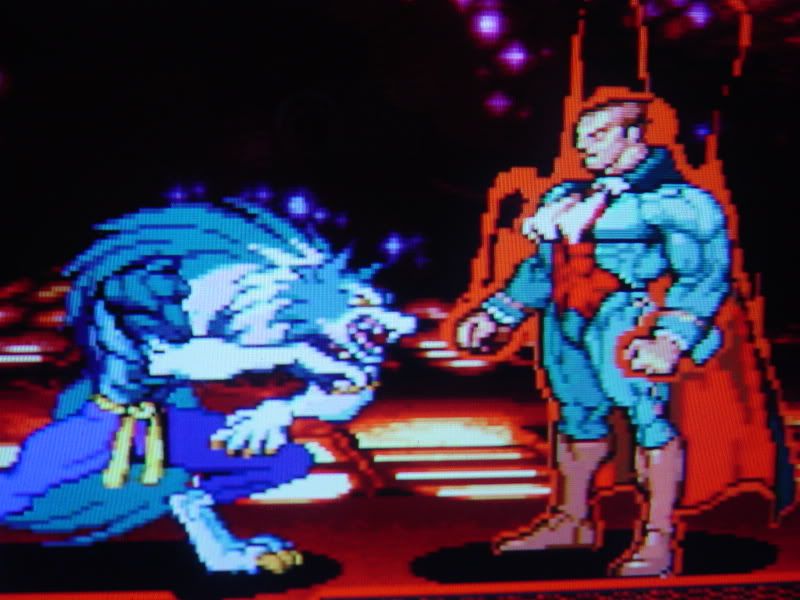
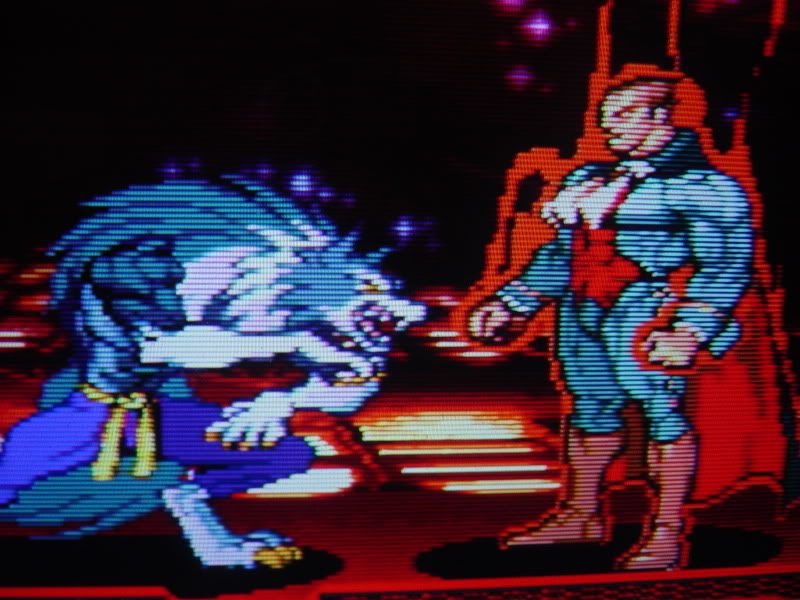
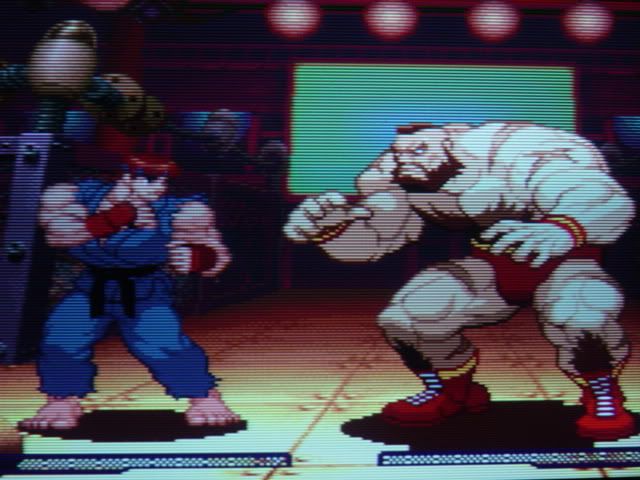
Here we have a pic of a PS2 game on my LCD, just to get an idea about a correct 4:3 ratio (0% overscan on the display)

Next we have R-Types (PSN store download) using the internal PS3 upscaler (1080p). Since it's a download game, it has forced smoothing on (no way to turn it off). Upscaling is set to "normal". Note the picture is too narrow.

Next up is the same game, PS3's upscaling engine set to "fullscreen". It's just stretching to 16:9, but you can still see the massive black bars on the left and right causing the wrong aspect ratio.

The fourth picture shows that the wrong aspect ratio is kept even if the PS3's upscaler is turned off (here the PS3 outputs 480p instead of 1080p). The aspect ratio of the game is the same as on picture 2.

The last picture shows the correct aspect ratio. This can either achieved by using a CD-based PS1 game instead of a PS3 download or by applying a 11% horizontal zoom via an external scaling device. I've crosschecked with my original R-Types CD and it's the same. The picture was taken using the 11% horizontal stretch.

While the forced smoothing on download'able PS1 games is horror enough (but manageable by using 480p out instead of 1080p out), I find the wrong aspect ratio on all PS1 downloads really annoying.
Has nobody ever noticed this before ? Has anyone an idea why this happens ? Why does the PS3 apply different aspect ratios to original CDs and to download games ?
Fudoh